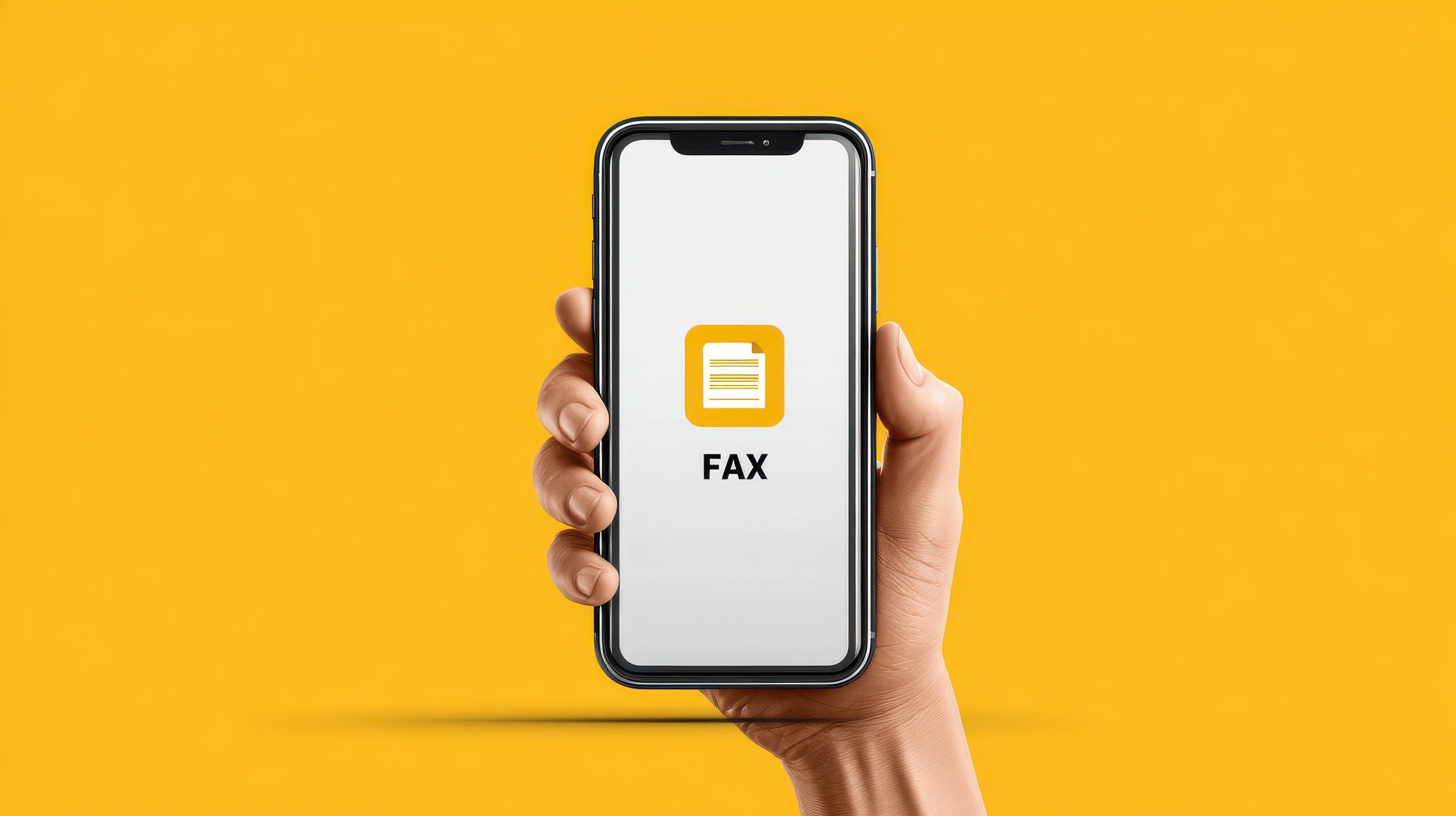
Faxing has changed over time. Many offices and agencies still rely on it for sending signed forms and official documents. Because of this, people often need a simple way to fax without using a traditional machine. Free internet faxing allows users to send and receive files through a computer or phone. It’s more common than expected. Around 17% of businesses globally still send or receive faxed documents, which shows that faxing remains part of everyday workflows. (1)
What Free Internet Faxing Means
Free internet faxing lets people send and receive documents online without a fax machine or phone line. Everything happens through a website or app. Free services usually offer basic features and small monthly page limits, which work well for light use.
The process is straightforward. You upload a file, and the platform converts it into a format a fax machine can read. The service then sends it to the recipient’s fax number. Incoming faxes go through the same type of conversion. The system turns them into digital files and delivers them to your email inbox or online dashboard. This removes the need for hardware and keeps faxing accessible anywhere.
Key Features of Free Internet Faxing
Free faxing tools make sending documents simple. Users can upload files from a computer, mobile device, Google Drive, or Google Docs. After uploading the document and entering the recipient’s fax number, the fax is ready to send. Free plans usually include limits on how many pages you can send, so users who need higher volume may rely on free trials or paid upgrades.
Receiving faxes is also easy. Many platforms assign a fax number to each account. Incoming documents arrive as PDF files in the user’s email or dashboard. Since these tools are meant for occasional use, page limits for received files tend to be modest.
Most services support common file formats such as PDF, JPG, PNG, and DOCX. Some tools offer connections to cloud storage, although free accounts may store documents for a shorter time. Users who need long-term storage often download their files locally.
Platforms and Apps That Offer Free Internet Faxing
Many browser-based fax websites let users upload a document, enter a fax number, and send the file right away. These sites focus on convenience. They often include restrictions such as slower processing or monthly caps, but they remain useful for simple, low-volume tasks.
Mobile fax apps for iOS and Android offer the same flexibility on a phone. Users can send documents by taking a photo or uploading a file. Free versions may show ads or limit how many pages you can send each month. Paid upgrades usually increase those limits and remove advertising.
Free Plans vs. Subscription Plans
Free plans give users a basic set of tools. They allow a small number of pages each month and support standard file types. Some platforms include small ads or watermarks to offset the cost of providing free access. These limitations are usually manageable for people who only fax occasionally.
Subscription plans offer higher page limits and stronger security. They’re a better fit for people who work with private or regulated information. For instance, in Ontario, 88% of physicians still rely on fax technology for sharing patient information, which shows why privacy remains a concern. Paid plans also add features such as team access, more storage, and support for HIPAA compliance. (2)
How Free Internet Faxing Works Step by Step
Sending a fax online usually involves four steps. First, the user uploads a document. Next, they enter the recipient’s fax number. After reviewing the details, they send the file. Status updates appear in the user’s inbox or dashboard.
Receiving faxes is even simpler. Each account includes an assigned fax number. When someone sends a fax to that number, the service converts the pages into a digital file. The user can then download, store, or forward the document.
When Free Internet Faxing Works Well
Free faxing is helpful for people who fax occasionally. These include students, job applicants, or individuals sending forms to banks or landlords. The limits in free plans are suitable for these small tasks.
It’s also useful for people who work remotely or spend time away from a traditional office setup. Since everything happens online, users can fax documents from a laptop or phone wherever they are.
When a Paid Plan Might Be Needed
People who fax frequently often need more than a free plan. Healthcare and pharmacy settings are good examples. These users benefit from higher limits and stronger security, especially considering the fact that 93 million healthcare documents or records got stolen due to data breaches in 2023. (3)
Businesses and teams also gain from paid plans. Shared access, organization tools, and additional storage through this technology help groups work more efficiently.
Pros and Cons of Free Internet Faxing
Free internet faxing removes the need for a fax machine or phone line. It’s quick, practical, and accessible through both browsers and mobile apps. These advantages make it useful for personal or occasional tasks.
However, free plans also have limitations. They usually limit monthly pages and may display ads. Security features are simpler than those found in paid plans. While these issues may not affect casual faxing, they can be restrictive for heavy users or those who handle sensitive information.
Making the Right Choice
Free internet faxing provides a practical way to send and receive documents without a fax machine. It works well for light or occasional use and covers the basic features most people need. Users who fax often or require higher security can move to a paid plan. The right choice depends on your faxing habits and how much flexibility you need.
References:
- “Why Businesses Are Still Sending Faxes in 2025”, Source: https://www.business.com/articles/business-faxing/
- “A Unique Way to Axe the Fax Through Using Business Automation Workflow to Expedite eReferral Adoption, Bridging eReferral, and Fax: Proof-of-Concept Study”, Source: https://pmc.ncbi.nlm.nih.gov/articles/PMC12234396/
- “Healthcare Data Breach Statistics”, Source: https://www.hipaajournal.com/healthcare-data-breach-statistics/