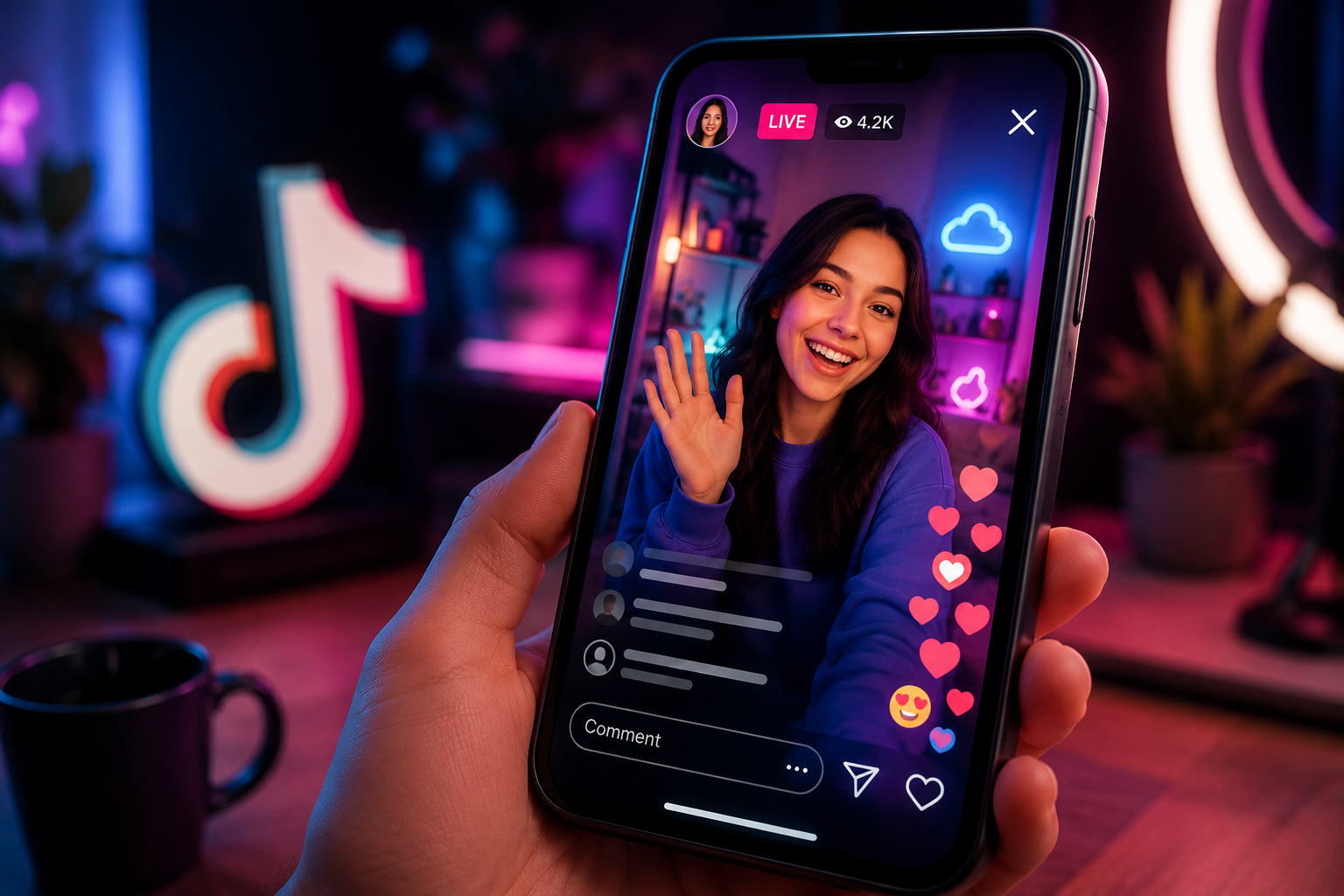
Can I Watch a TikTok Live After It Has Ended?
You have been here before. You receive an alert that one of the people you follow has gone live, but once you join in on the app, they are already ten minutes into their conversation. Or worse — you find out about a livestream after it’s already ended, and TikTok just… doesn’t have it anymore. No replay, no way to catch up. It’s gone.
While YouTube automatically saves your past streams in its channel and Instagram offers functions for sharing the broadcasted video to either its story or feed, live streaming on TikTok is an absolute ephemeral function.
This means that once you end the stream using the “end” button, it disappears entirely. The only exception is if the stream was saved by any third party during the live broadcast. There is simply no native feature, hidden menu, or replay vault on the app that allows missing audience members searching for how to watch TikTok Live archives/replays (tiktok ライブ アーカイブ 見る方法) to catch up.
Why Bother Saving a Copy?
A few reasons this actually matters in practice:
- You can watch without wifi. Save it once, and you’re not stuck buffering on a train or burning through mobile data later.
- It won’t disappear on you. Content that only lives inside an app’s cloud library has a way of becoming impossible to dig up months down the line. A file saved to your own device is just there, whenever you want it.
- The quality actually holds up. Recording straight from the stream itself looks a lot better than someone filming their phone screen playing a screen recording. You’d be surprised how much quality that loses.
What If You Show Up Late?
This is honestly the part people care about most. Normally, if you open an app five minutes after someone’s gone live, you’ve just lost those five minutes — no way to get them back. That’s the whole problem with manual screen recording: you have to already be there, phone in hand, ready to hit record the second things start.
A proper recording setup gets around this by starting the capture the moment the stream begins, on a server somewhere — not the moment you personally decide to tune in. So even if you don’t open the app until twenty minutes later, the saved version still has the whole thing from the very start. The intro, the early Q&A, that giveaway announcement you almost missed — all of it’s there.
What Actually Makes a Recording Tool Worth Using
However, not all available options are the same, and the distinctions appear right away as soon as you try to use them. Here are the things that you better look at:
- Recording that runs around the clock. You shouldn’t need to keep your own phone on or connected for it to work.
- The ability to catch more than one stream at once, which matters if a handful of creators you follow tend to go live around the same time.
- A setup that doesn’t require your login credentials. A legitimate tool only ever needs a public username — never your actual TikTok password. If something’s asking for that, walk away.
- Storage that can grow with you. Archives fill up faster than people expect, so a service that scales rather than boxing you into a tiny free tier is worth paying attention to.
- Notifications that actually help — one for when a creator goes live, and another once your recording is ready to watch.
A Couple of Things Worth Keeping in Mind
Recording something for your own personal viewing later is a different thing entirely from re-uploading or redistributing it publicly — always worth checking a tool’s terms before you get too far into using it for a TikTok Live download (tiktok ライブ ダウンロード).
It’s also worth knowing that free plans usually cap you around 50GB of storage, while paid tiers stretch into the terabytes if you’re archiving a lot. And most of these apps are synced across iOS and Android, so anything you might be recording on one platform will likely be available on the other.
Quick Answers to Common Questions
Can I watch TikTok Live after it’s already ended?
Only if something recorded it while it was airing. TikTok itself doesn’t hang onto most broadcasts, so you’re relying on a service that caught it live.
Do I need to be online the second the stream starts?
Nope. As long as the creator’s on your auto-record list ahead of time, the recording happens on remote servers — your phone can be off, dead, or in another room and it won’t matter.
Will I still get the beginning of the stream even if I open the app late?
Yes, as long as the system started recording the moment the broadcast went live. What you get is the full thing from the opening seconds, not just whatever was left by the time you checked in.
Does downloading need any extra apps or converters?
No — a built-in download button saves it straight to your device in HD. No extra software required.
At the end of the day, TikTok Live’s biggest downside is timing. Blink and it’s gone. Recording devices bridge that gap, quietly recording broadcasts from beginning to end so that they are there whenever you are ready, be it five minutes from now or five weeks from now.
Conquering FOMO in Live Streaming
The problem of missing a live broadcast is a thing of the past because server automation will take care of the recording in the background without making you stick to fixed live streams.
The Best Automation Solutions for the Job
It is best to opt for software that provides cloud-based recordings, supports multiple streams, and guarantees privacy without the need to sign up for an account. The good thing about such service is that it will not tax your phone storage and battery.
On-demand Access to Recorded Streams
These streams are accessible on your device whenever you want, as soon as they get recorded. You have total freedom to view, pause, or even replay these live broadcasts.
Improving Device Memory Usage
The automatic cloud capture feature helps to ensure that bulky video files are kept on the cloud until the user opts to download them. The high definition videos can then be easily handled without clogging up memory space on the phone.
Dealing with Copyrights and Fair Usage
While personal archiving is good for watching videos offline, it is important to respect the rights of the creators. Always keep the saved streams for your personal use only.
Final Thoughts
This will also alleviate any immediate need to check into the channel and, as the power is now entirely in your control, also place you at the center of the ownership of both screen-time and personal schedule time. The struggle between remaining committed to those you follow vs keeping up with priorities such as working, visiting with friends, and achieving sleep is over, and a piece of technology in the background of an app devoted to ephemera is all that you really require as an intermediary.
Key Take aways :
The problem: TikTok Lives vanish once it ends—no auto-save (YouTube) or share-to-story option (Instagram). If you’re not recording live, it’s gone.
Why bother saving them: offline access, protection against content disappearing, and better quality than screen-recording a screen.
The late-join issue: manual screen recording only captures what you catch live. A good tool starts recording server-side the moment the stream goes live, so even joining late gets you the full broadcast from the start.
What a solid recording tool needs:
- Runs in the background, no phone required
- Handles multiple simultaneous streams
- Only needs a public username (never your TikTok password)
- Scalable storage (free ~50GB, paid tiers scale to TBs)
- Alerts for stream start / recording ready
- Works across iOS and Android
Ethics/legal: fine for personal viewing—re-uploading or redistributing is a different matter, so check the tool’s terms and respect creators’ content rights.
Bigger picture: cloud recording removes FOMO pressure, saves phone storage/battery, and puts viewers in control of their own schedule instead of the creator’s.